
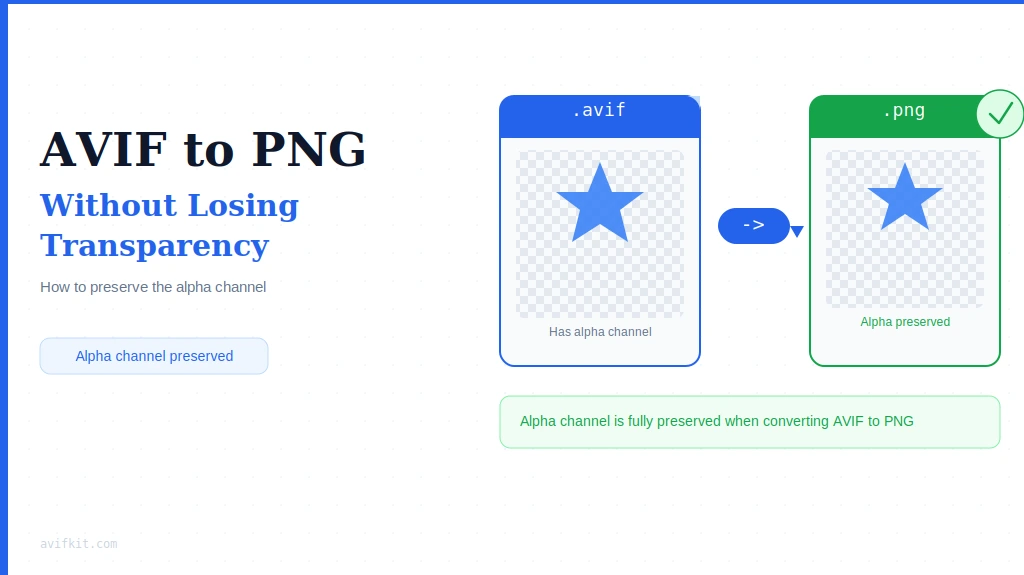
Converted your logo from AVIF to JPG and the background turned white? That's a JPG problem, not yours. JPG has no alpha channel — it physically cannot store transparency. PNG does. Here's how to do the conversion properly.
Why JPG Kills Transparent Backgrounds
JPG was designed in 1992 for photographs. Transparency wasn't part of the spec. When you convert a transparent AVIF to JPG, the encoder has to put something behind your subject — usually white, sometimes black. There's no way around it.
PNG was built differently. It has full alpha channel support, which is why it became the standard for logos, icons, UI elements — anything that needs a clean, transparent background.
How to Convert AVIF to PNG
Step-by-step:
- Open AvifKit AVIF to PNG Converter
- Drag your AVIF file into the window
- Processing takes 1–2 seconds (client-side, nothing leaves your device)
- Download the PNG
- Check that the background is still transparent
Why transparency stays intact:
AvifKit uses WebAssembly to process files locally in your browser. The alpha channel data is read directly from the AVIF and written into the PNG — no server involved, no re-compression, no rounding errors.
Alpha Channels: How They Actually Work
Both AVIF and PNG support alpha channel transparency, but they handle it differently. AVIF stores transparency using the AV1 codec's compression — compact, but not universally supported. PNG stores it as raw lossless data — larger files, but every app on the planet can open them.
Converting AVIF to PNG is a size-for-compatibility trade. The PNG will be 2–4x larger, but it'll open in Photoshop, Illustrator, PowerPoint, every browser, and every CMS without a second thought.
When You'd Actually Need This
Logos and brand assets
Got a logo in AVIF? Convert it to PNG before sending it to a designer or dropping it into a deck. Design tools still have uneven AVIF support.
E-commerce product images
Most e-commerce platforms don't support AVIF yet. PNG with transparency is the safe choice for product shots that need a clean background.
Icons and UI elements
Design systems use PNG for icons precisely because of universal support. If you're working in a codebase that expects PNG, don't fight it.
Documentation and tutorials
Transparent overlays in screenshots render cleanly as PNG. It's just the safer format when you don't control where the image ends up.
Frequently Asked Questions
Does JPG support transparency?
No. JPG has no alpha channel. Converting a transparent image to JPG fills the background with a solid color — white or black, depending on the encoder. That data is gone and can't be recovered.
How do I bulk convert AVIF to PNG?
Drag multiple files into AvifKit's converter at once. They'll all be processed and packaged into a zip for download — transparency preserved in each one.
Will the PNG be much bigger than the AVIF?
Yes — typically 2–4x. AVIF's aggressive compression doesn't carry over to PNG's lossless format. That's the trade-off: you get universal compatibility, you pay in file size.
Can Photoshop open AVIF with transparency?
Photoshop 2024 added partial AVIF support, but it's inconsistent — especially with certain color profiles and transparency modes. Converting to PNG first is more reliable and saves the headache.
The Short Version
If your image has transparency, the answer is PNG. Not JPG, not AVIF — PNG. AvifKit handles the conversion entirely in your browser, so the alpha channel comes through cleanly and your files stay private.
Need to preserve transparency?
Convert AVIF to PNG with perfect alpha channel support. Client-side processing, 100% private.
Convert AVIF to PNG