
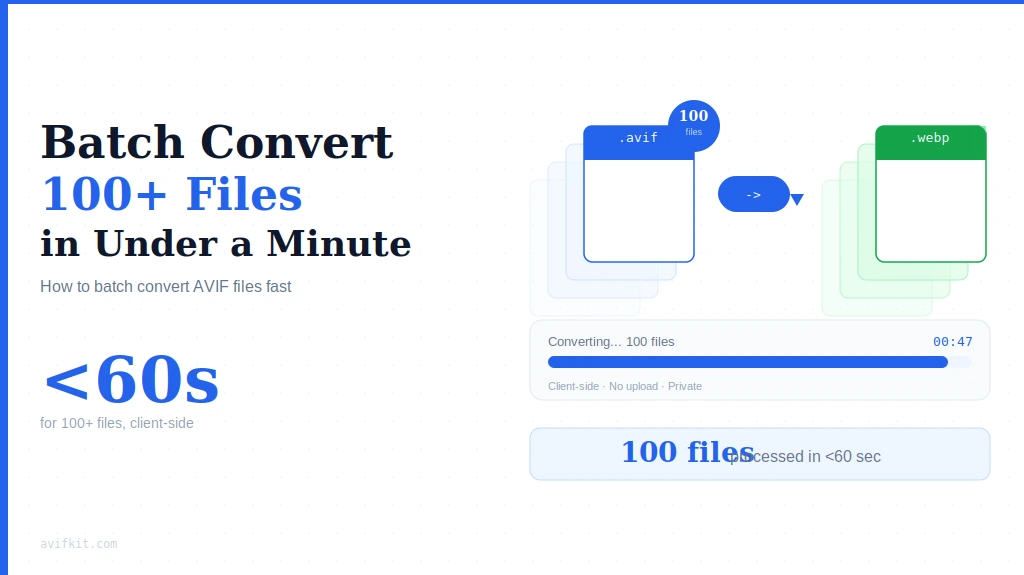
Got a folder with 200 AVIF files you need to convert? Don't do them one by one. Here's how to batch convert everything in under a minute - no software installation required.
The Fast Way: Batch Convert Online
AvifKit lets you select multiple files at once. The entire process is client-side, so there's no upload wait. Your computer does all the work locally.
Step-by-step:
- Go to AvifKit AVIF Converter
- Click the drop zone or drag multiple AVIF files in (up to 30 at once)
- Wait for processing - usually 20-60 seconds depending on file sizes
- Click "Download as ZIP" to get all converted files in one package
- Extract the zip - done
Processing 100+ files:
If you have more than 30 files, just do them in batches. Select 30, convert, download. Select the next 30, repeat. Still faster than installing desktop software or using server-upload converters.
Why This Works Better Than Desktop Apps
1. No installation bloat
Desktop converters often bundle adware, ask for admin permissions, or install system codecs that mess with other apps. Browser-based tools just work - no system changes.
2. Always up to date
Desktop software needs manual updates. Web apps update automatically. You always get the latest AVIF decoder without reinstalling anything.
3. Works on any OS
Windows, Mac, Linux, ChromeOS - doesn't matter. If your browser supports WebAssembly (and all modern ones do), it works.
4. Completely private
Unlike server-based converters that upload your files, AvifKit processes everything locally. Your images never leave your computer. Check the privacy deep dive for technical details.
Tips for Faster Batch Processing
- Close other browser tabs - frees up RAM for faster processing
- Use Chrome or Edge - their WebAssembly engines are slightly faster than Firefox/Safari
- Convert to JPG instead of PNG if you don't need transparency (JPG encoding is faster)
- Lower the quality slider to 85% - converts faster with minimal visible quality loss
Common Issues and Fixes
"Browser tab crashed"
You're probably converting too many large files at once. Try reducing batch size to 20 files or close other tabs to free up memory.
"Some files failed to convert"
Usually means the AVIF file is corrupted or uses an unsupported variant (10-bit HDR, monochrome). Try opening the file in an AVIF viewer first to verify it's valid.
"Download is stuck at 99%"
The browser is zipping your files. Large batches (30 files × 5MB each = 150MB zip) take a moment to compress. Just wait - it'll finish.
Frequently Asked Questions
Is there a file size limit?
Individual files up to 10MB, 30 files per batch. If you need to convert larger files or more files at once, just split into multiple batches.
Can I convert an entire folder?
Yes. On most operating systems, you can drag a folder from your file manager directly into the browser window. The browser will select all files in that folder automatically.
Will file names be preserved?
Yes. If your original file is called "photo-001.avif", the converted file will be "photo-001.jpg" (or .png, depending on your choice).
Does this work offline?
After the first page load, yes. The conversion code is cached in your browser. You can disconnect from the internet and it'll still work (you just can't download the zip without reconnecting).
Bottom Line
Batch converting AVIF files doesn't require desktop software. Select files, convert in browser, download zip. Fast, private, and works on any OS.
Ready to convert your AVIF files in bulk?
Drag up to 30 files. Converts in seconds. Downloads as a single zip.
Start Batch Converting